Phone wallpapers
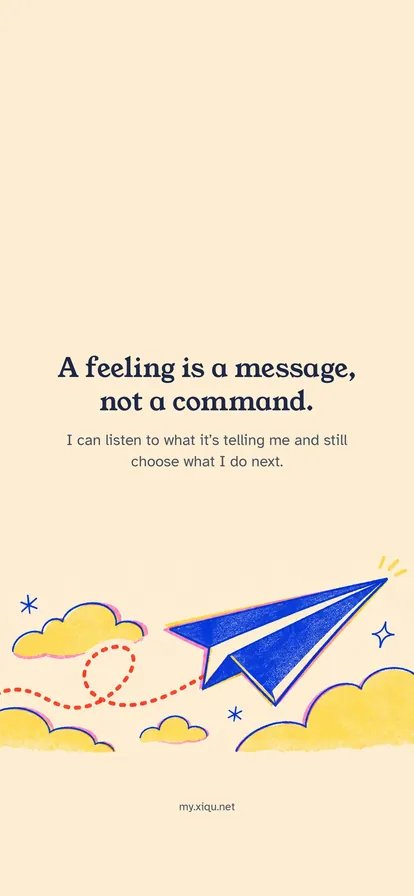
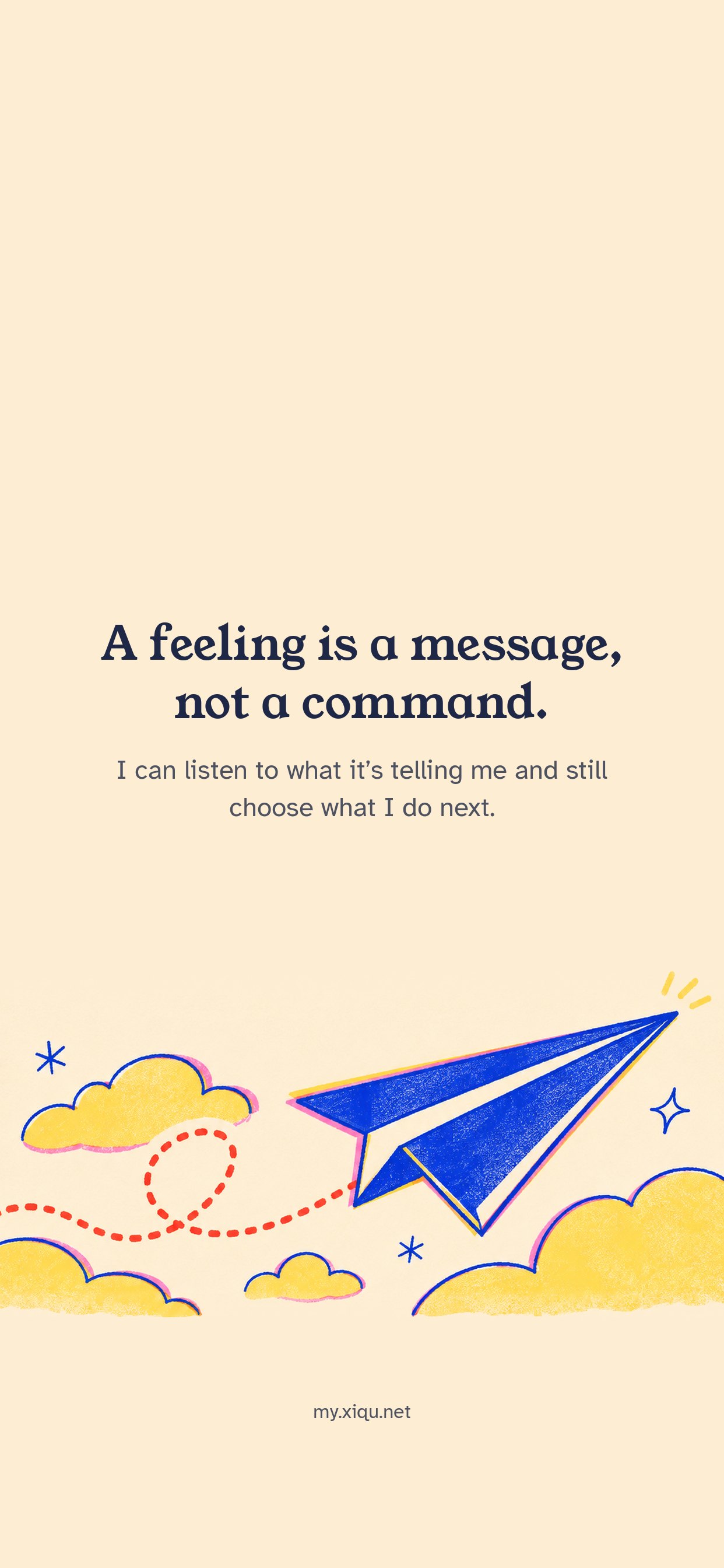
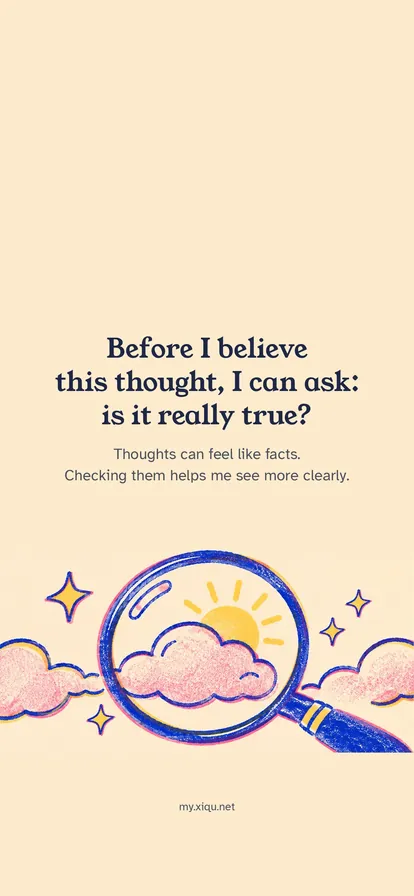
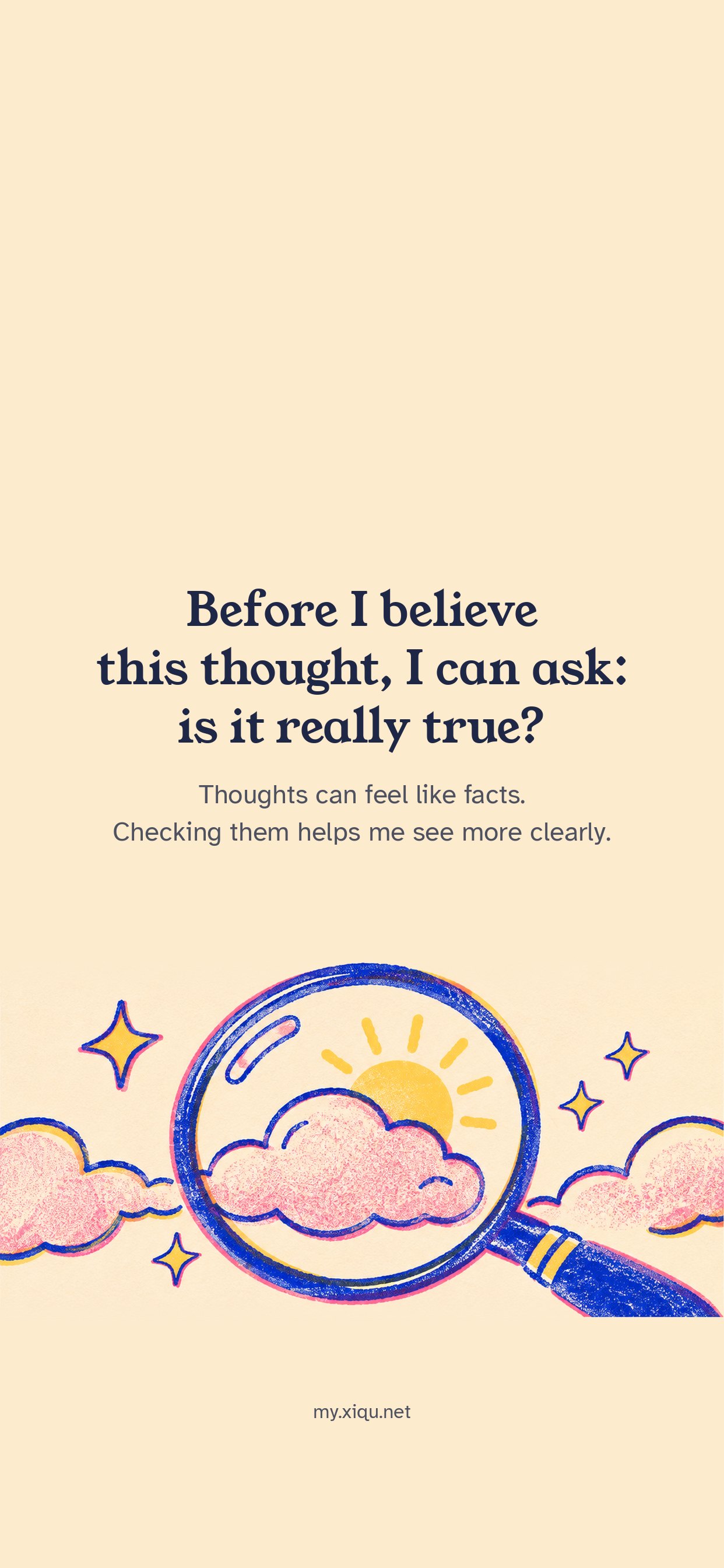
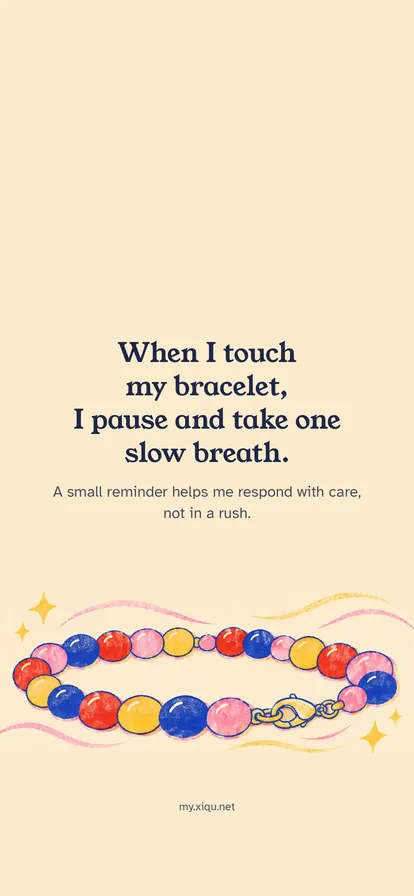
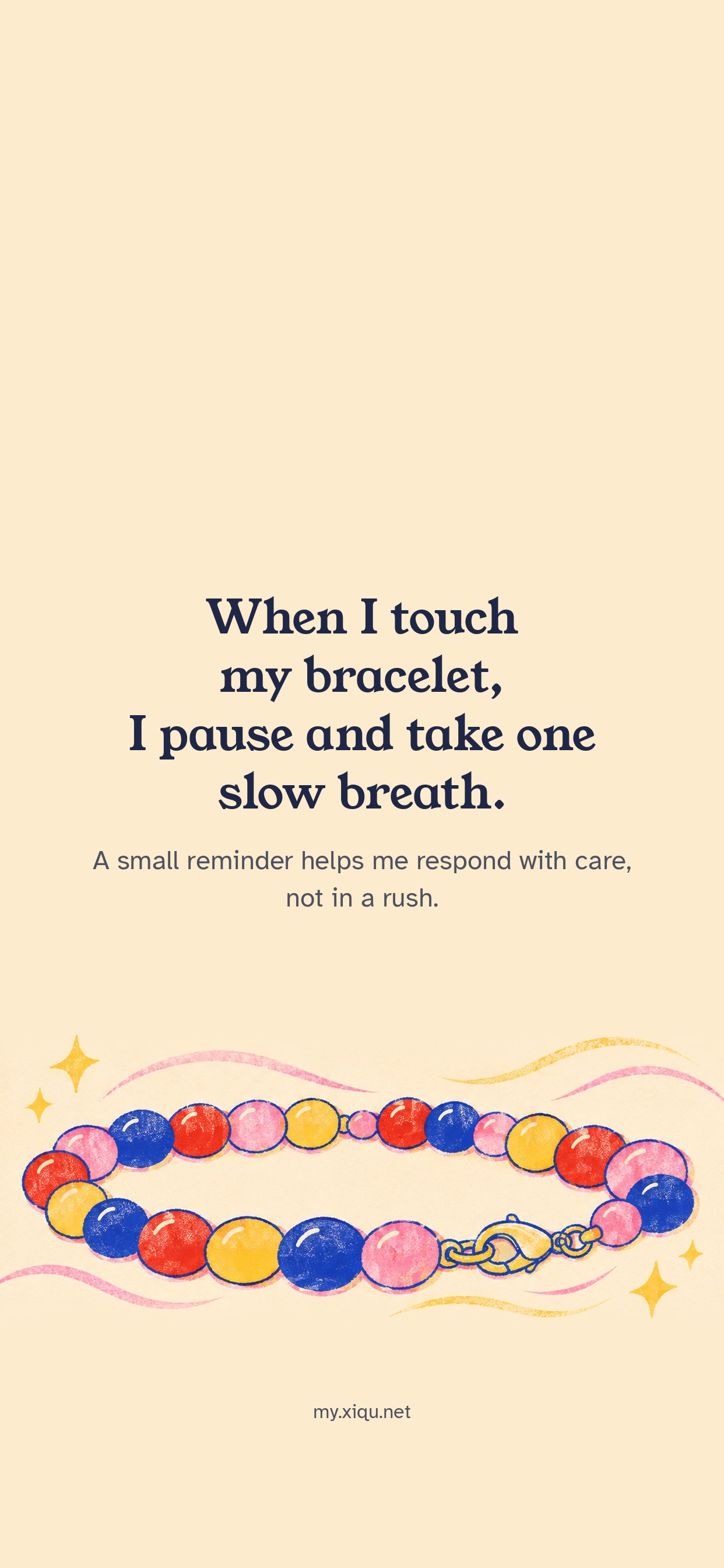
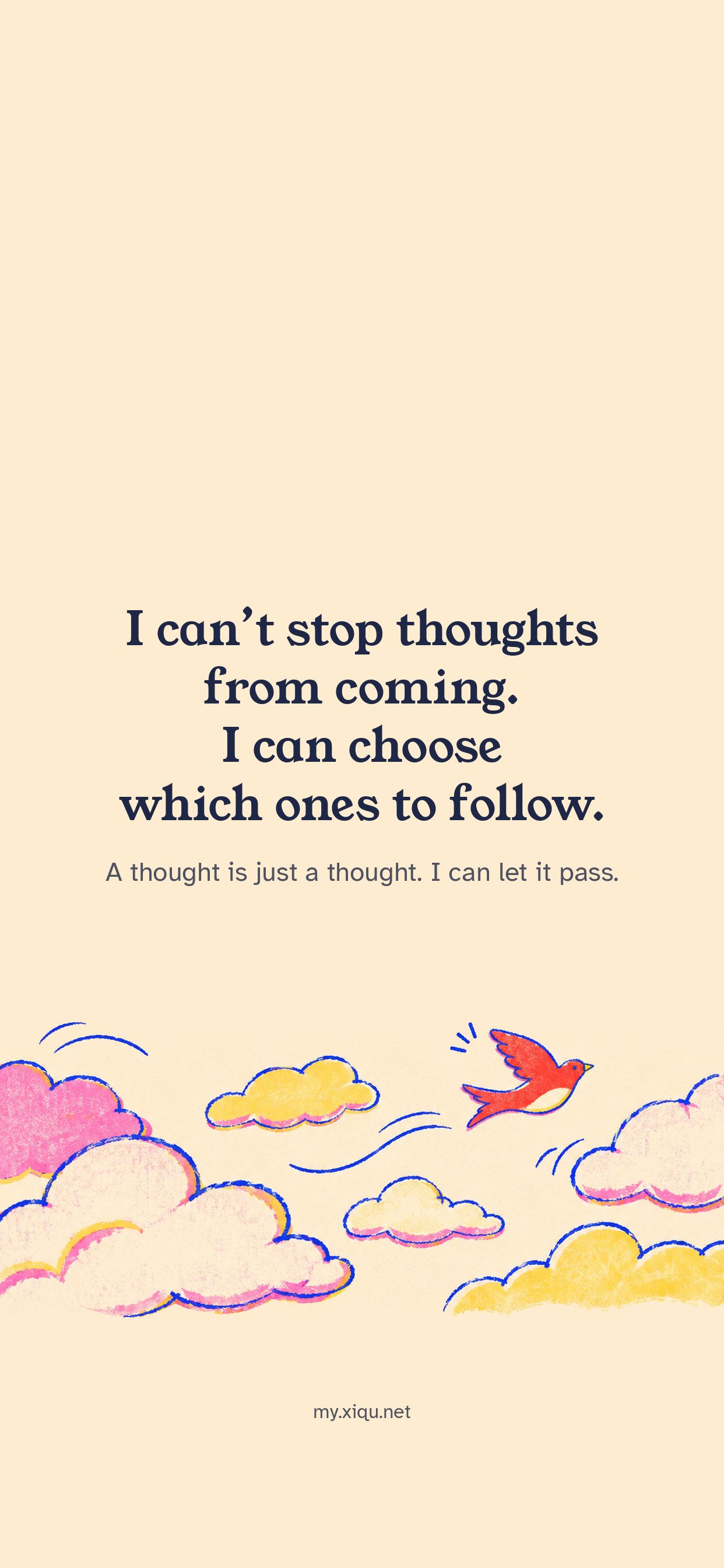
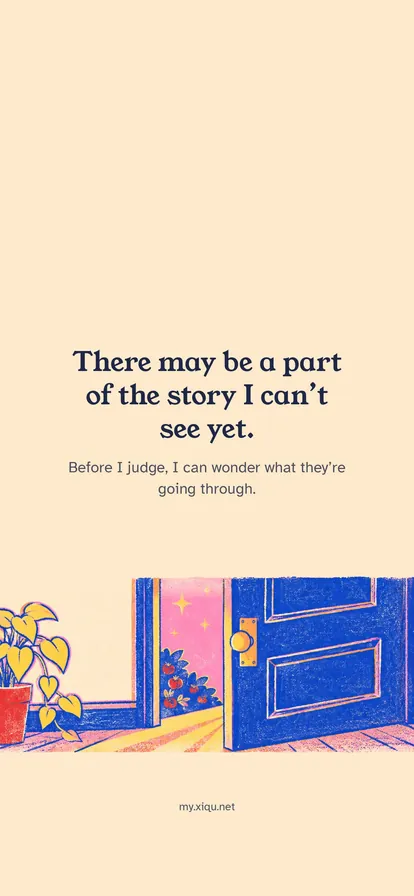
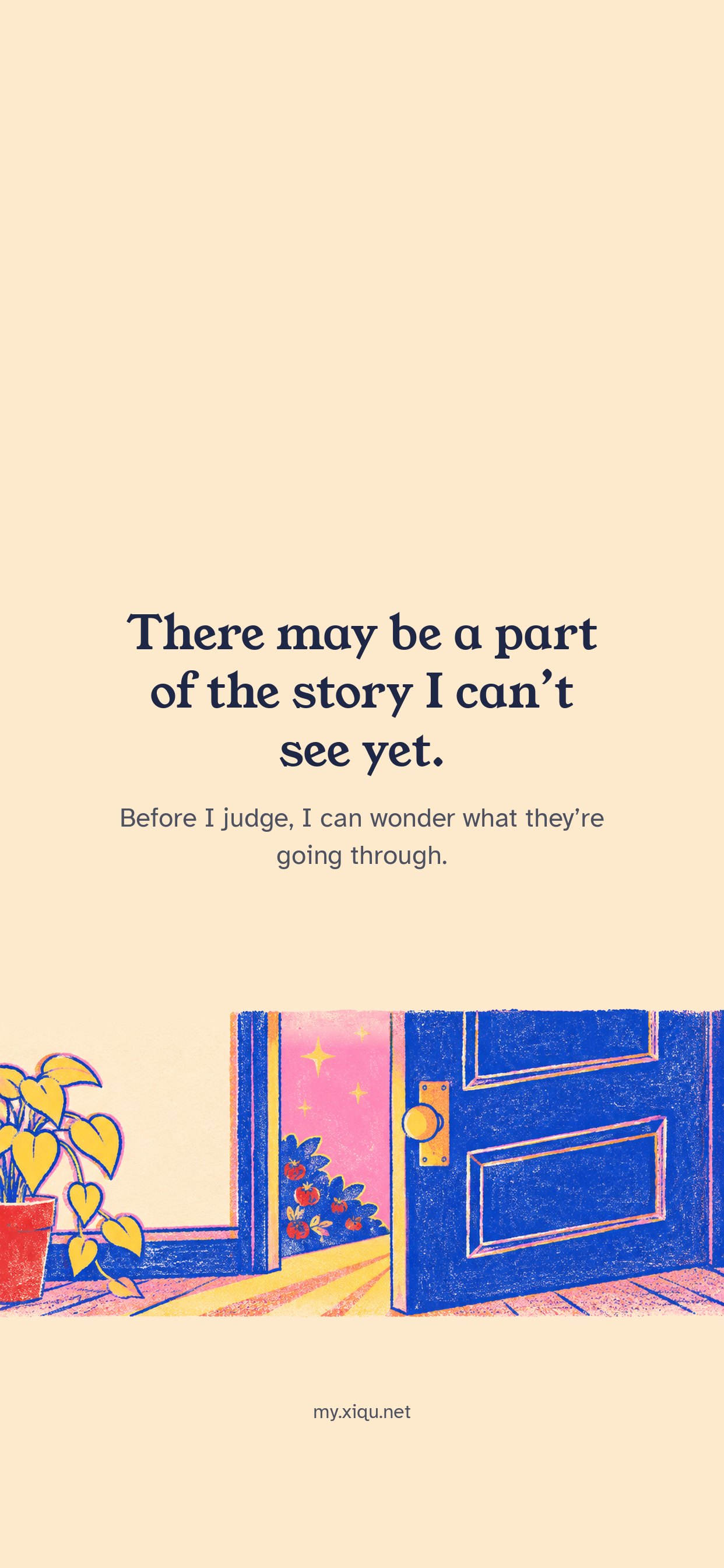
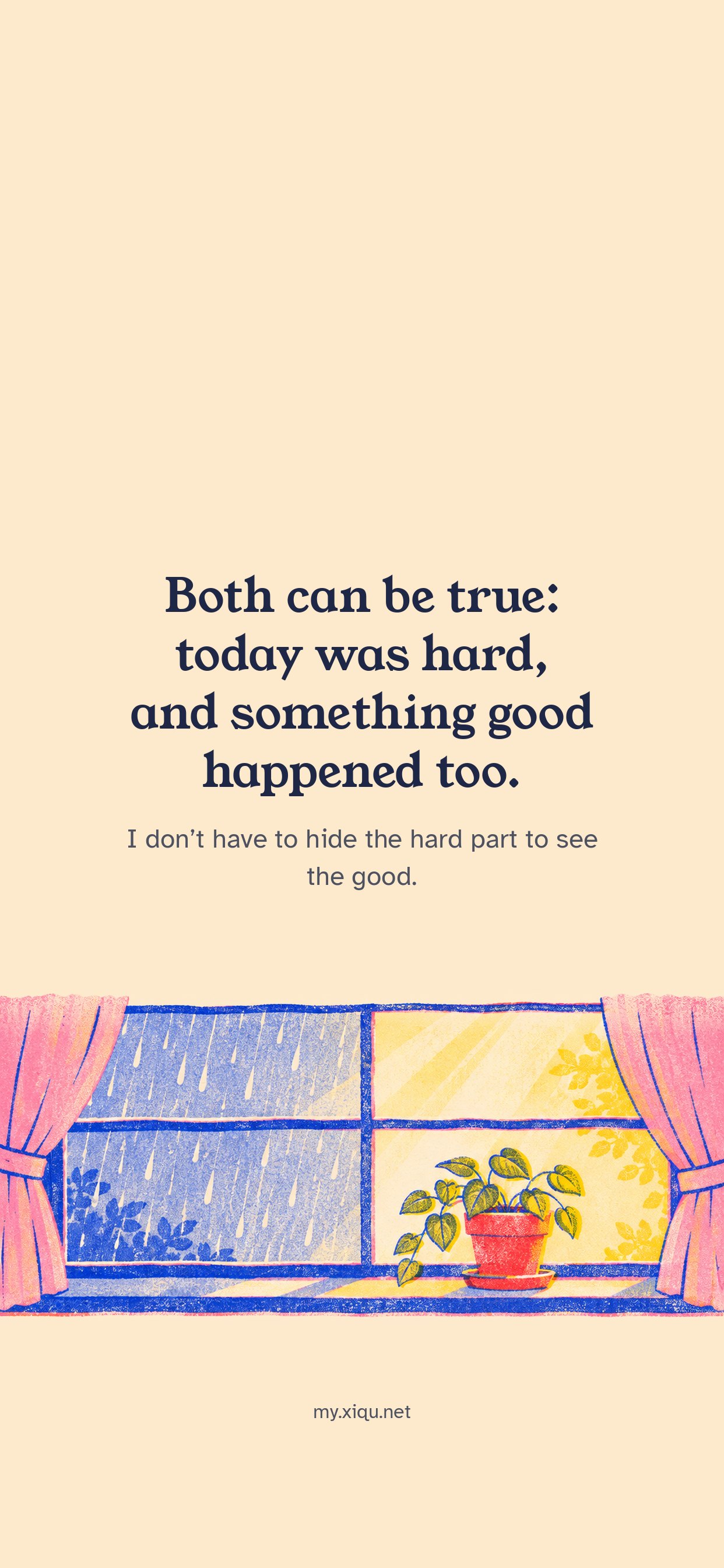
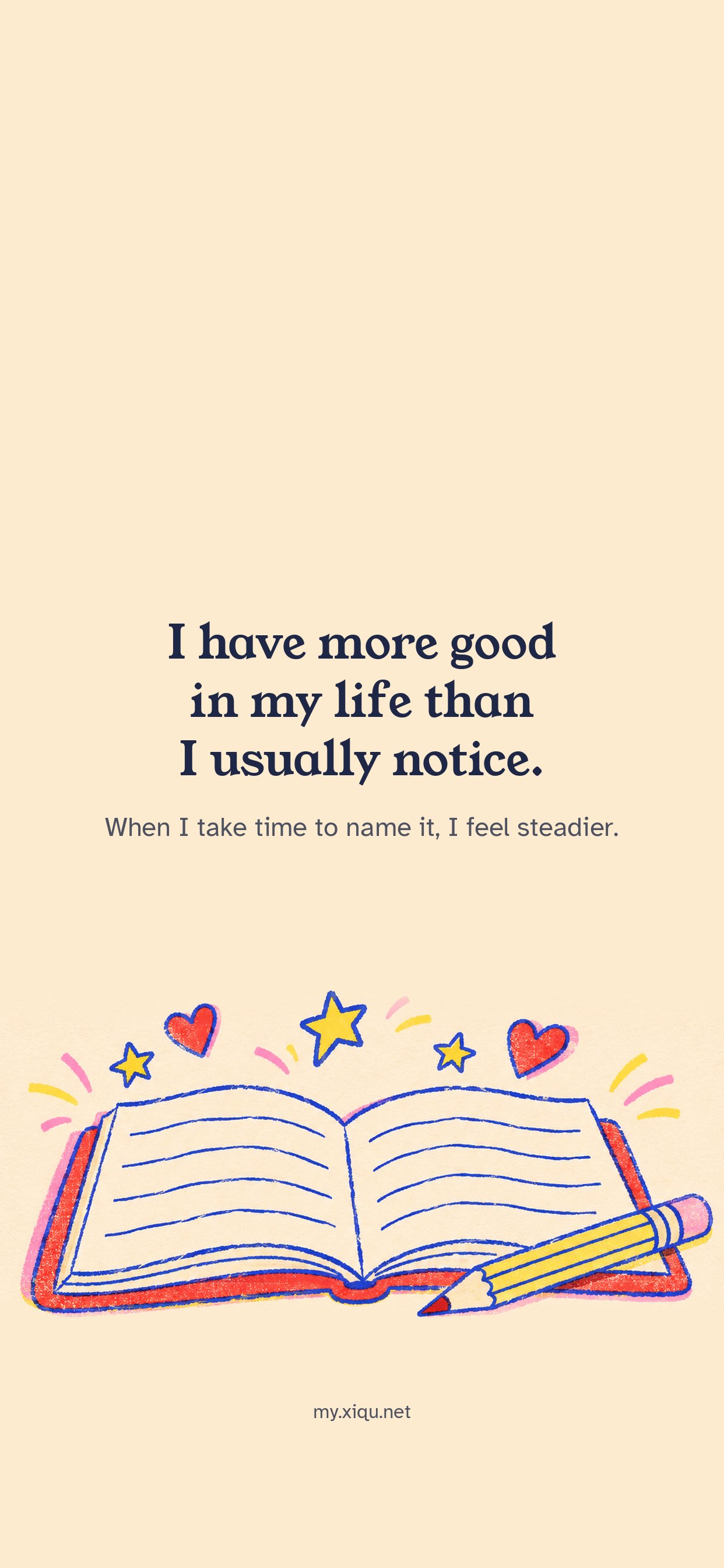
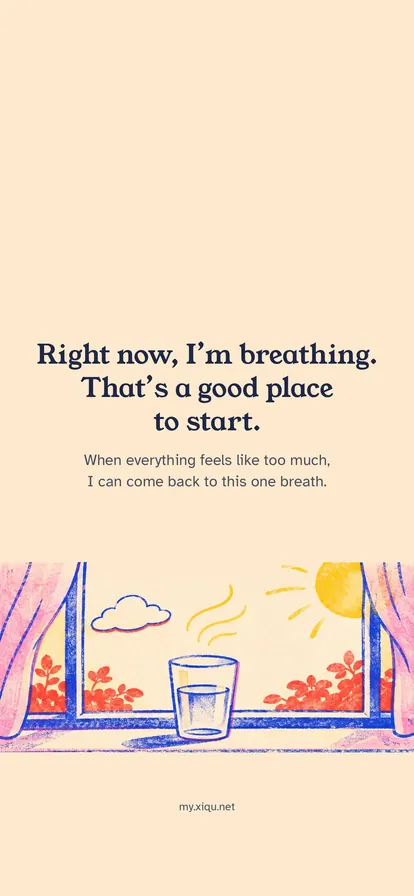
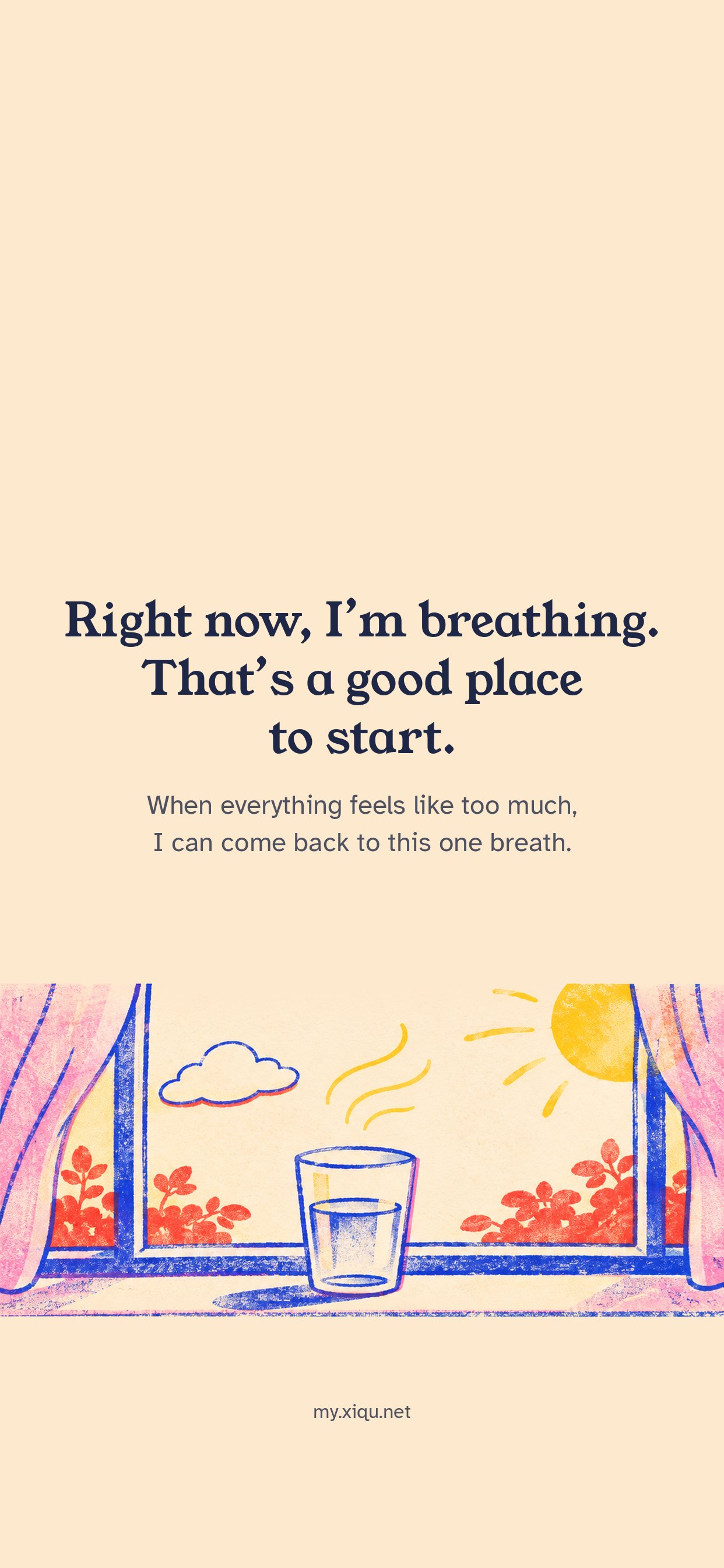
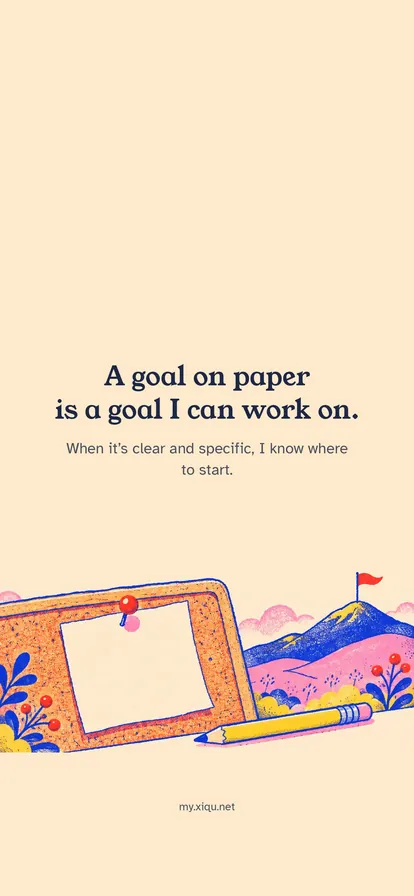
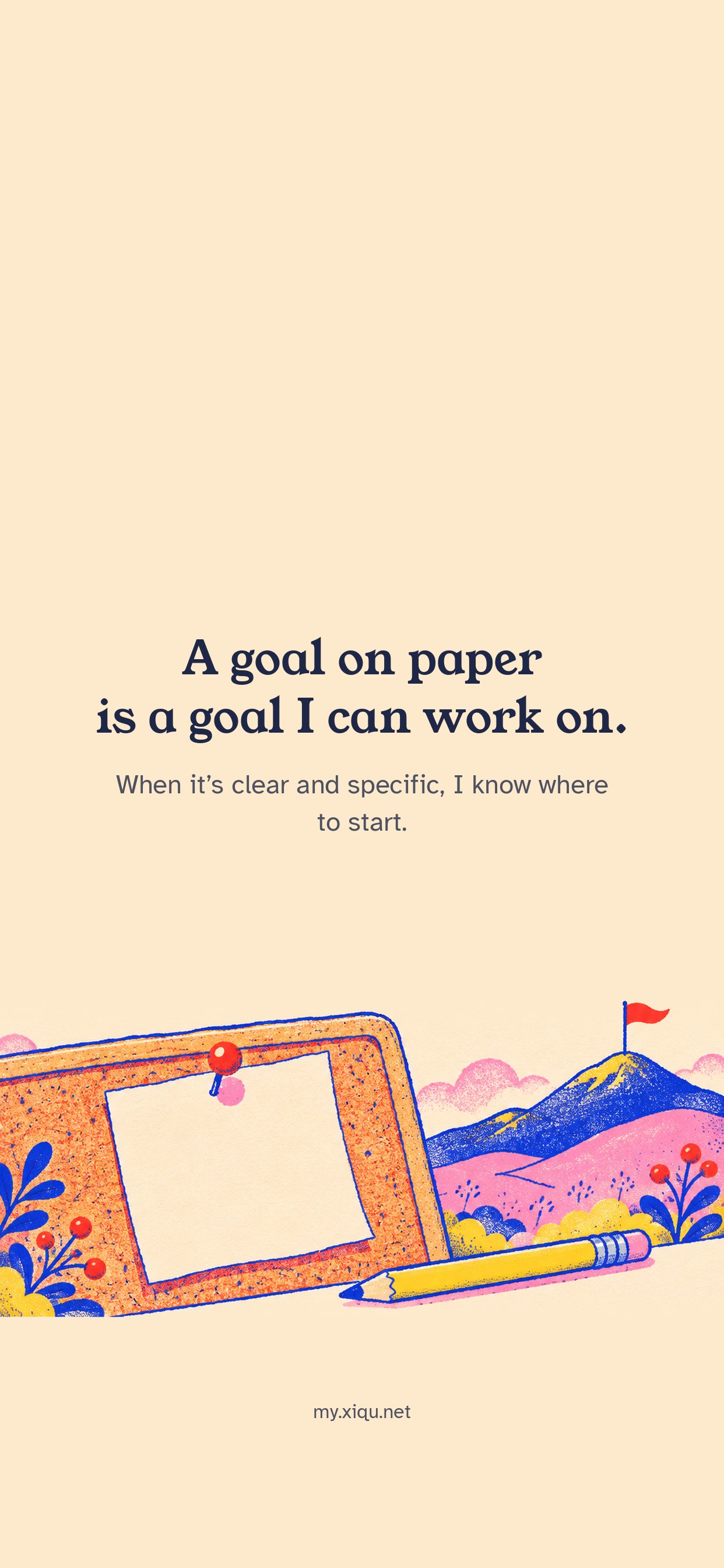
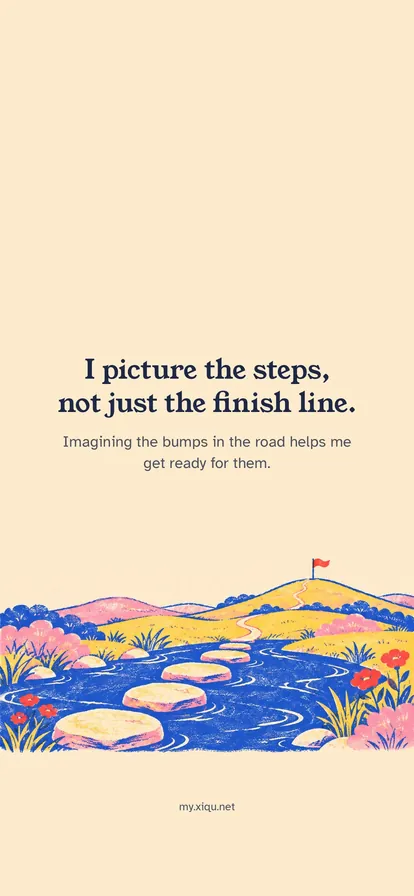
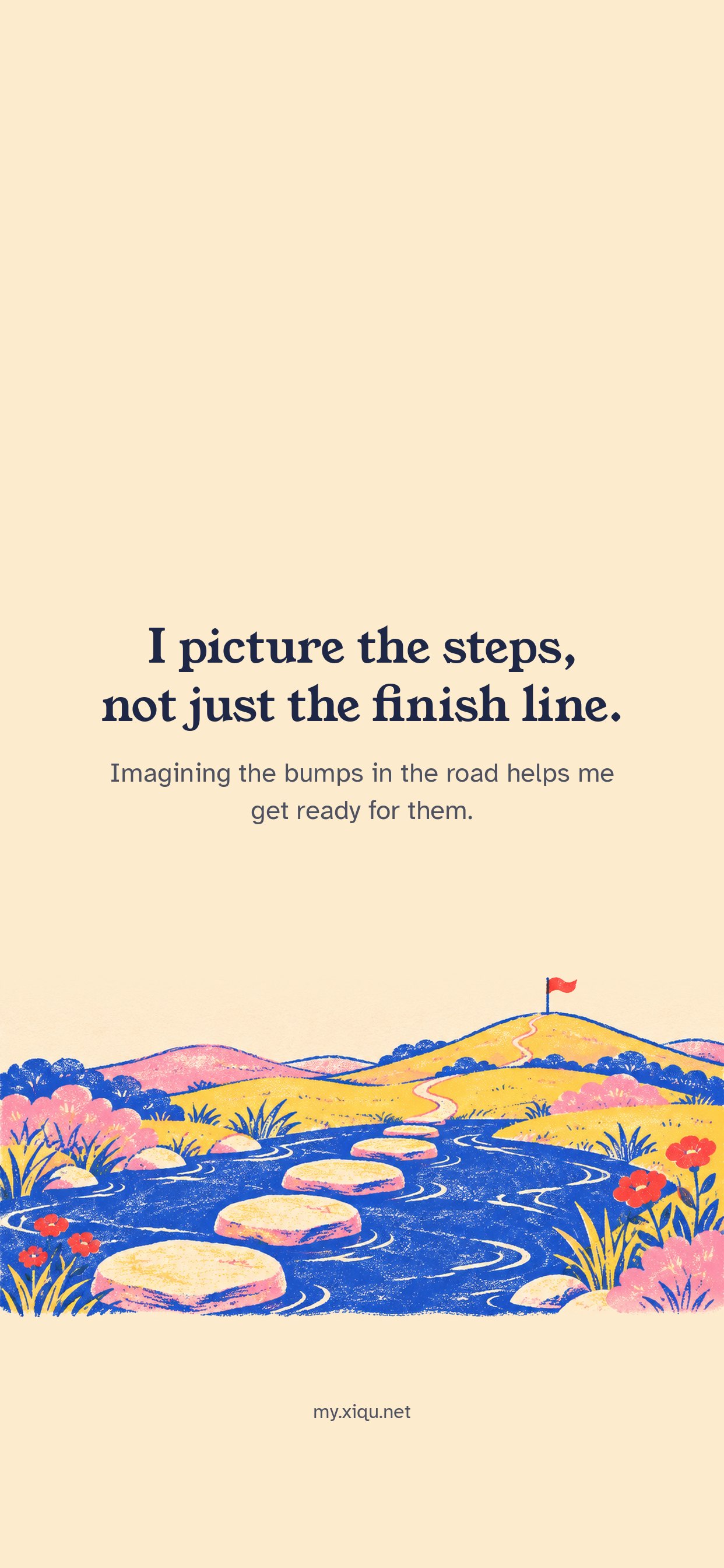
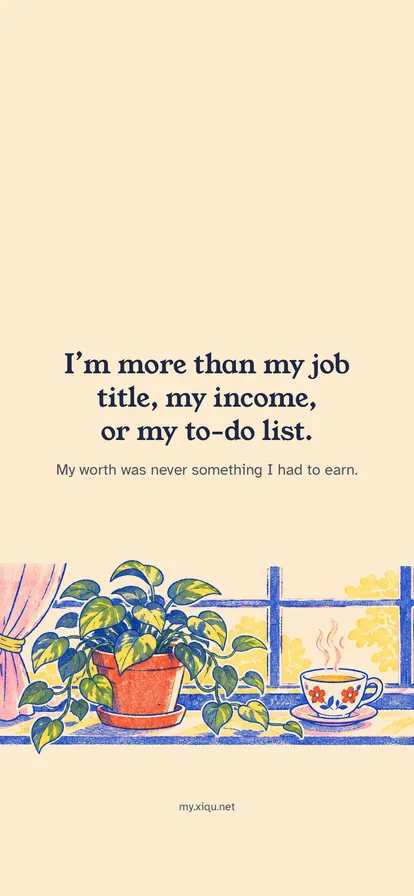
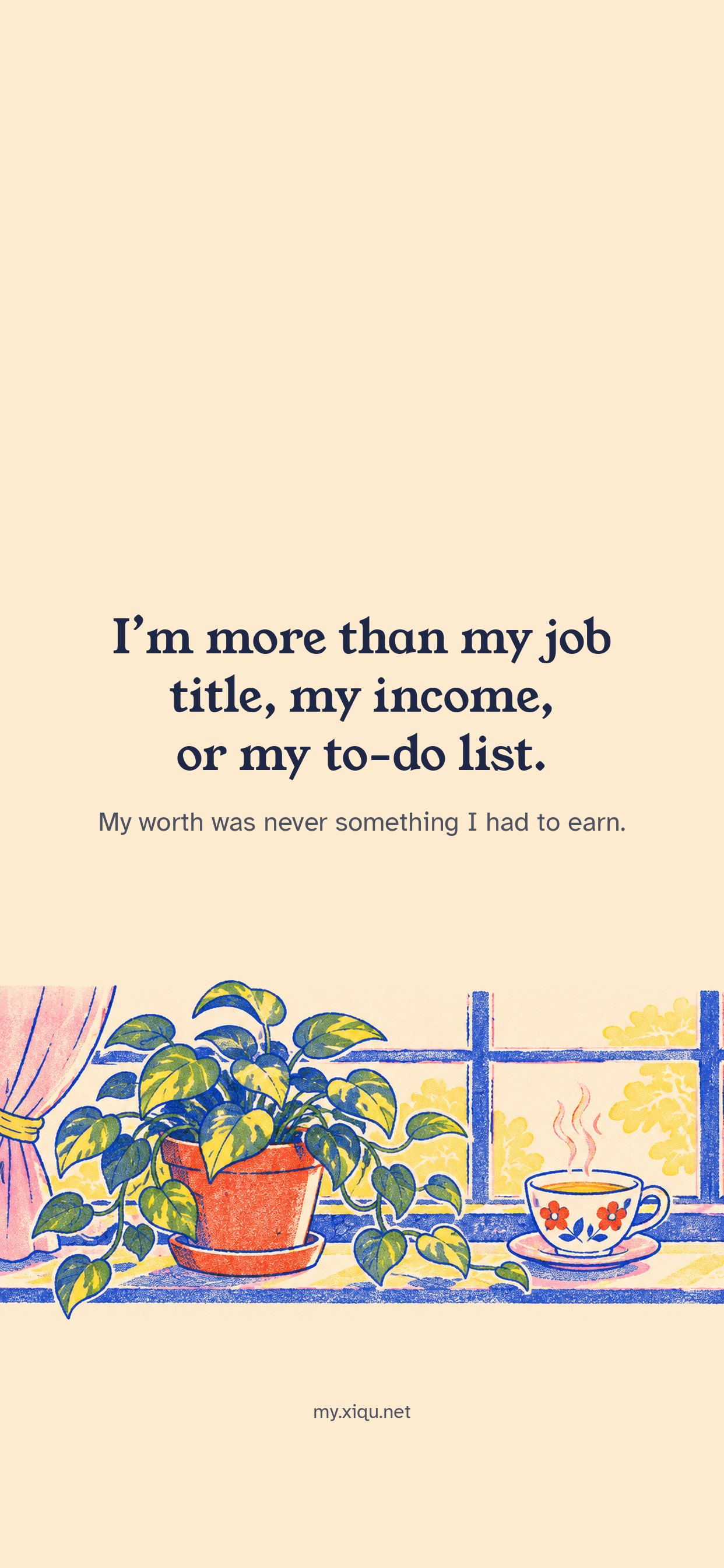
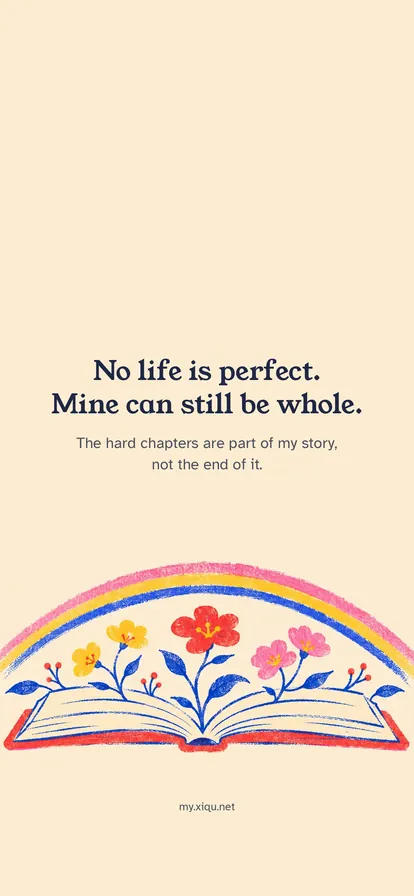
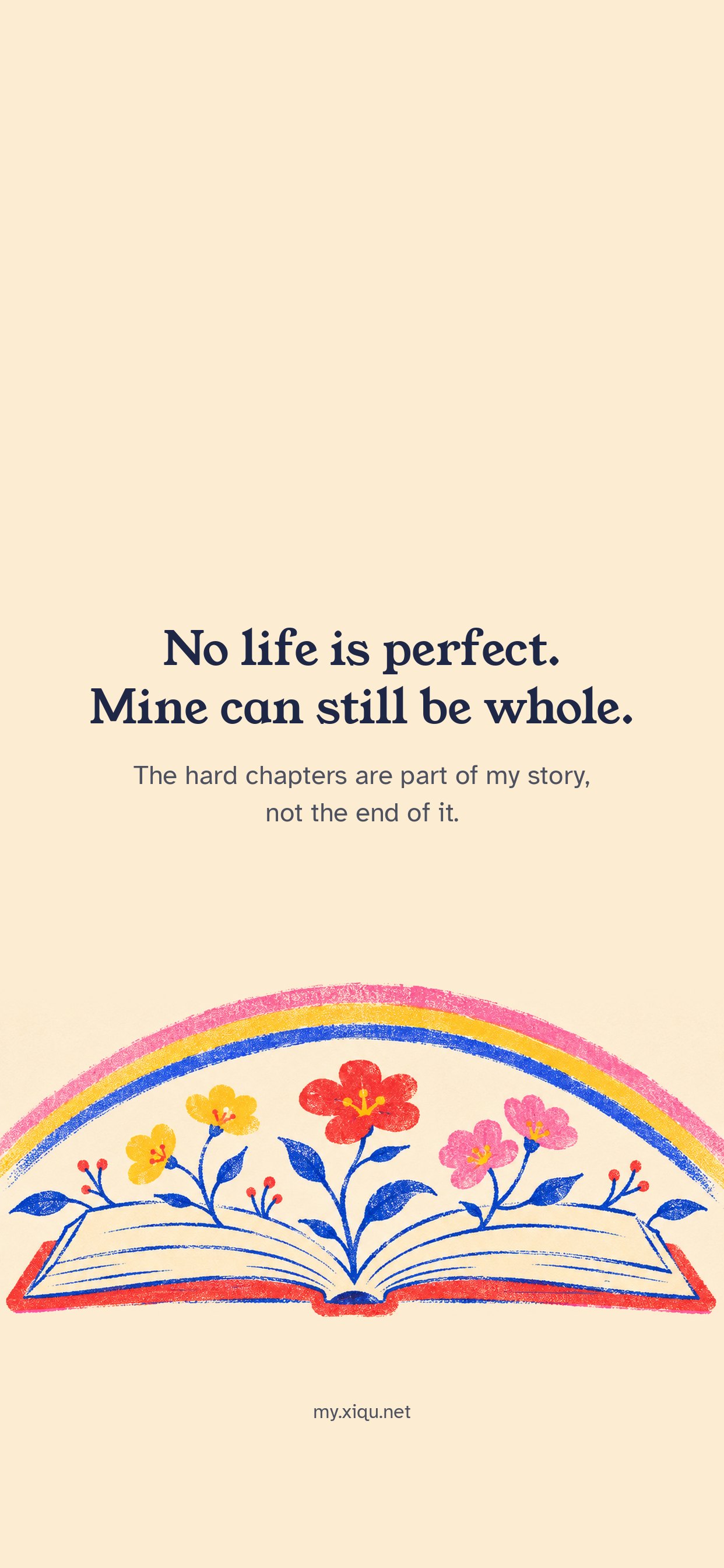
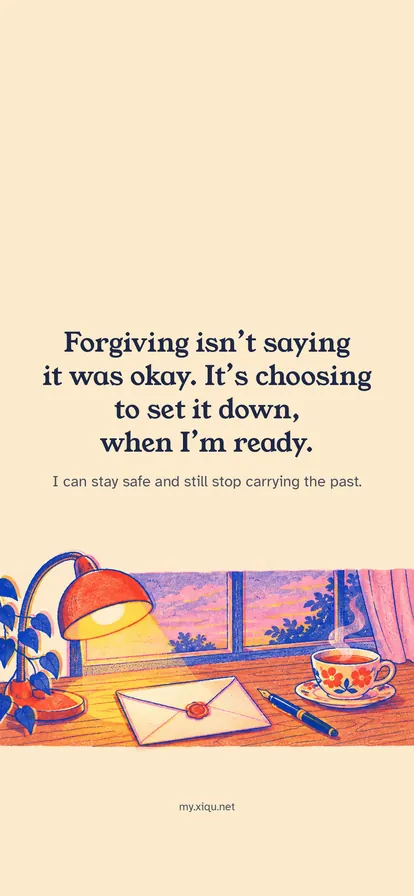
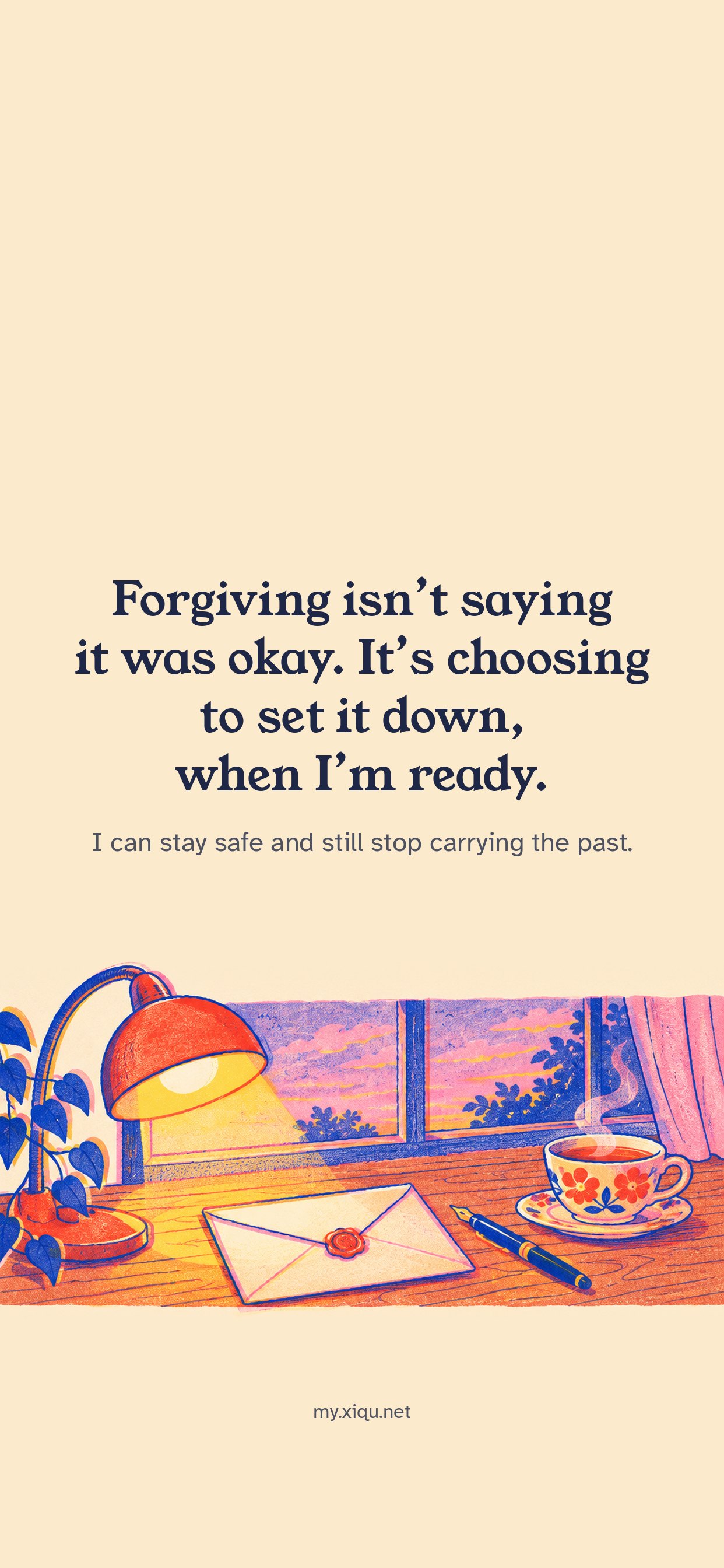
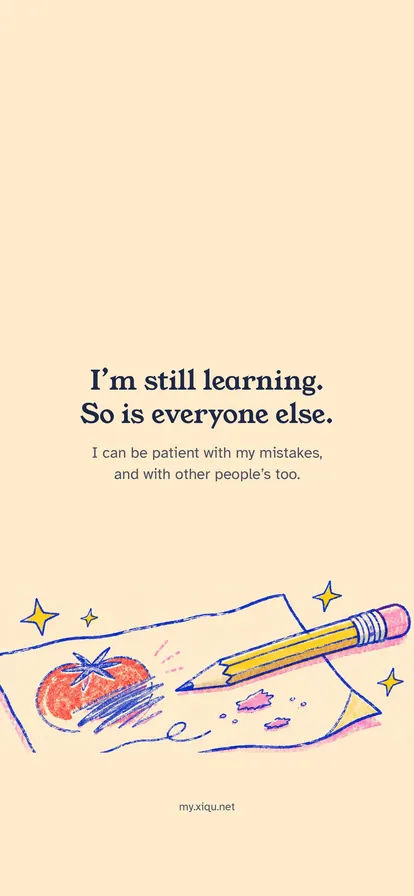
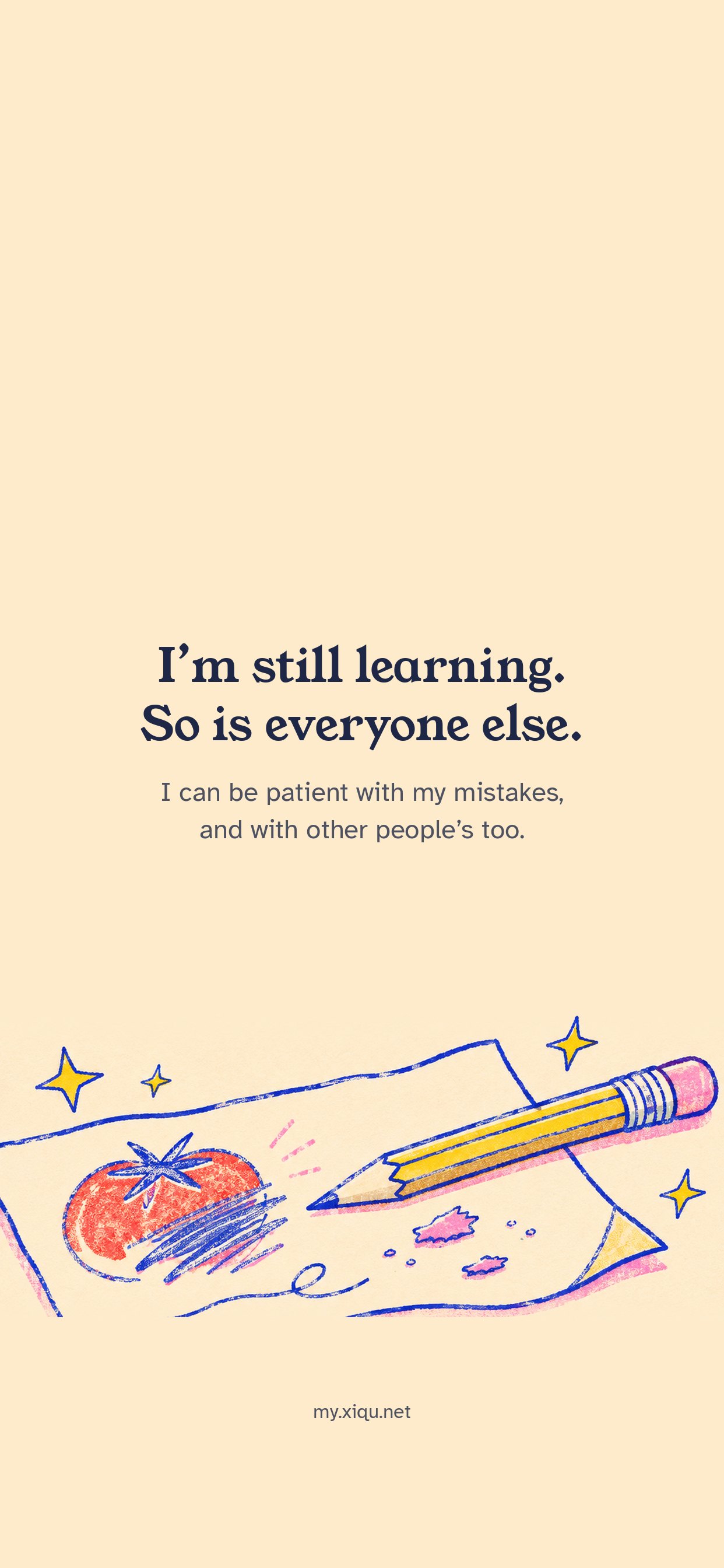
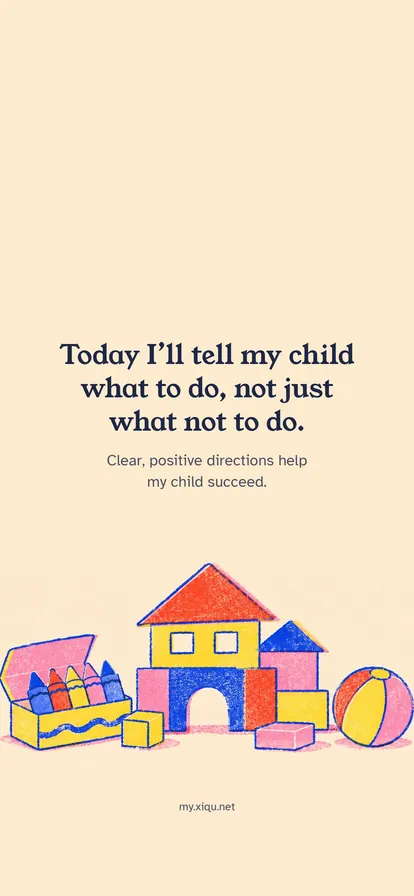
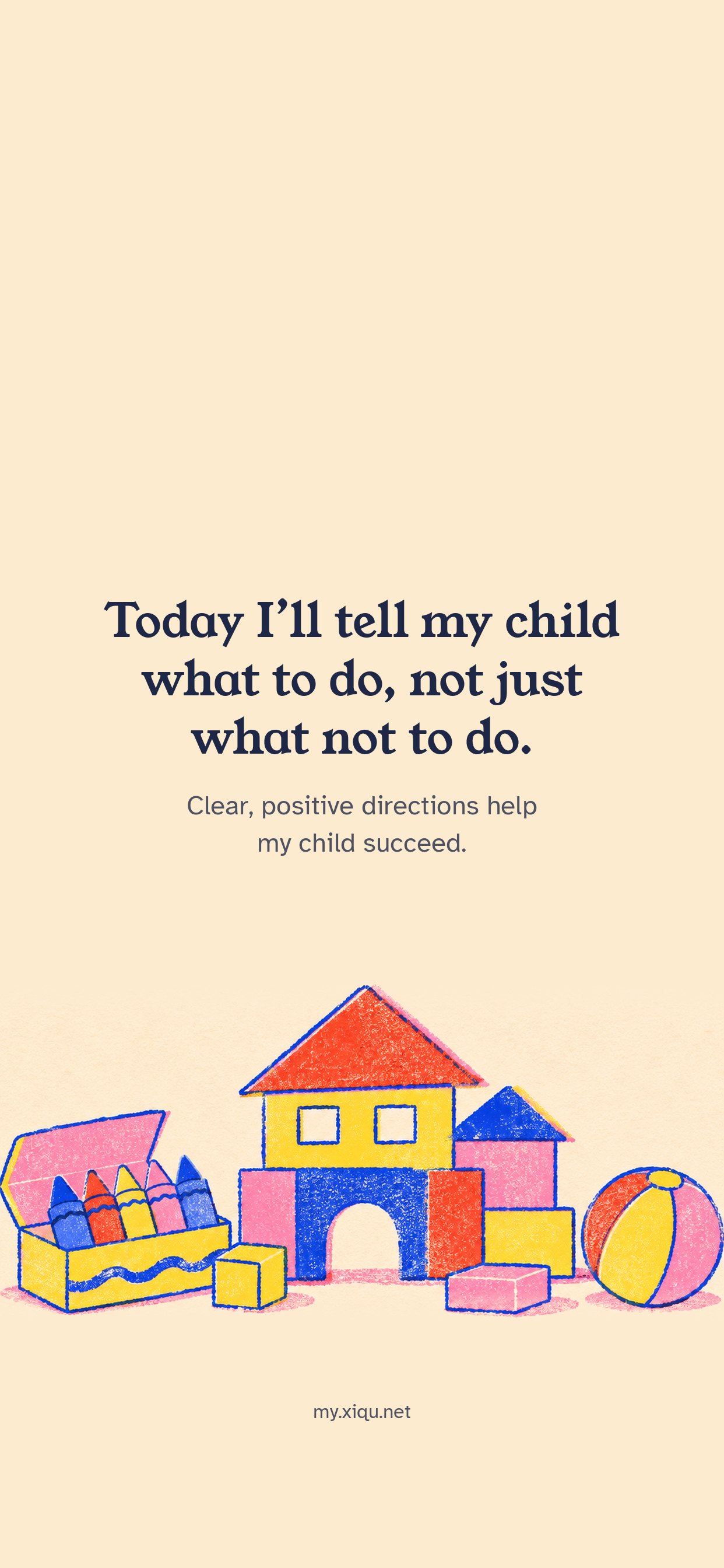
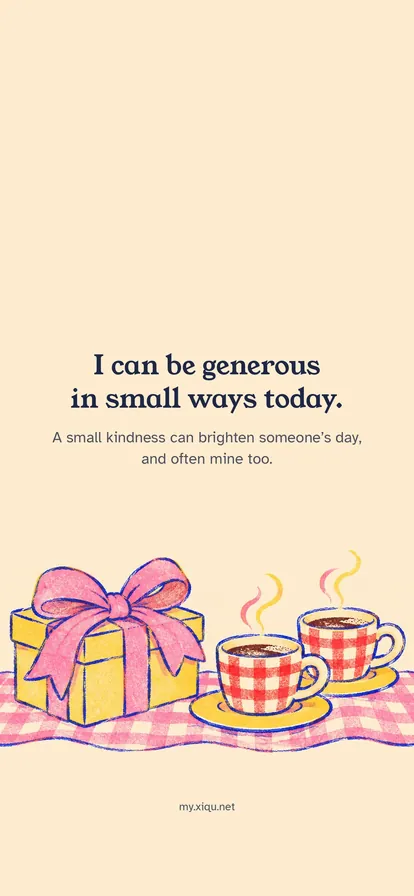
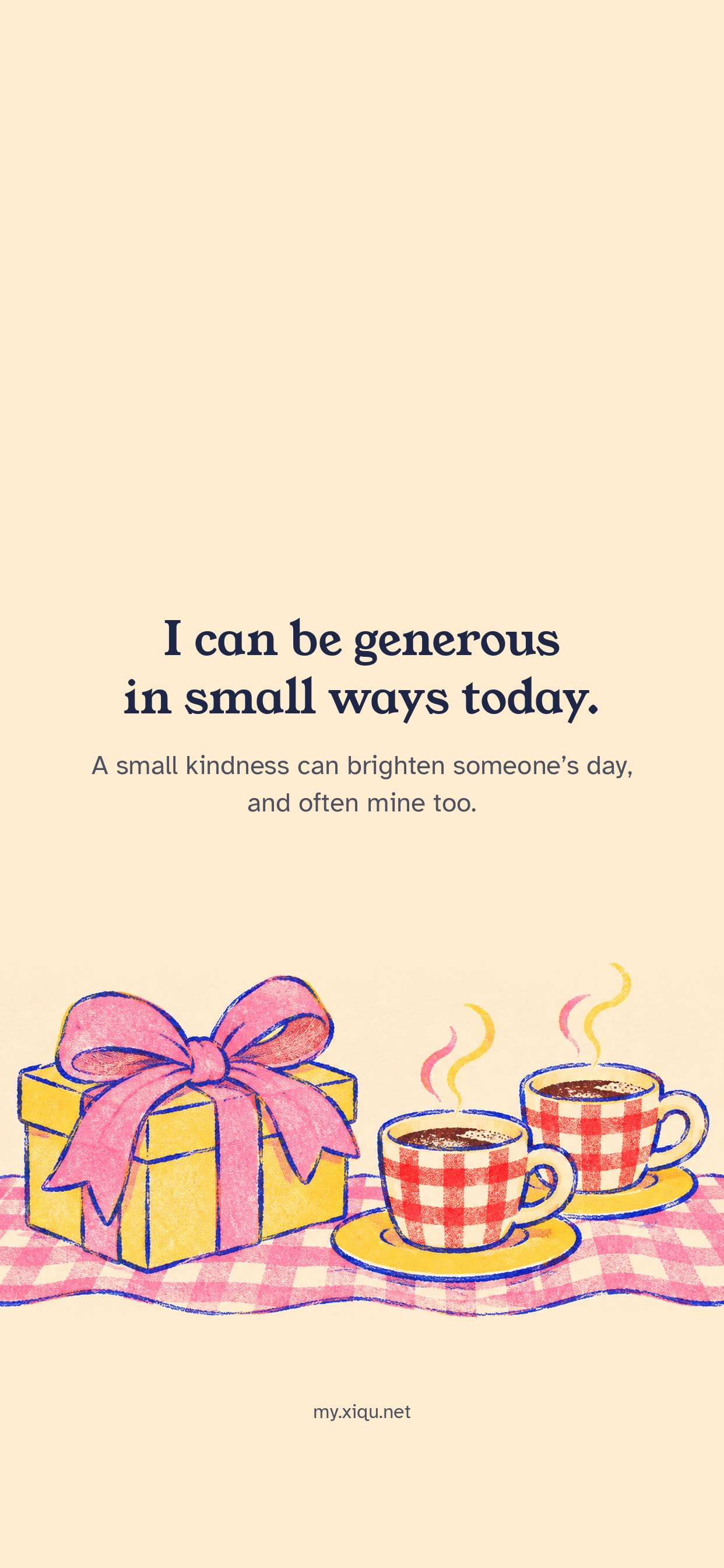
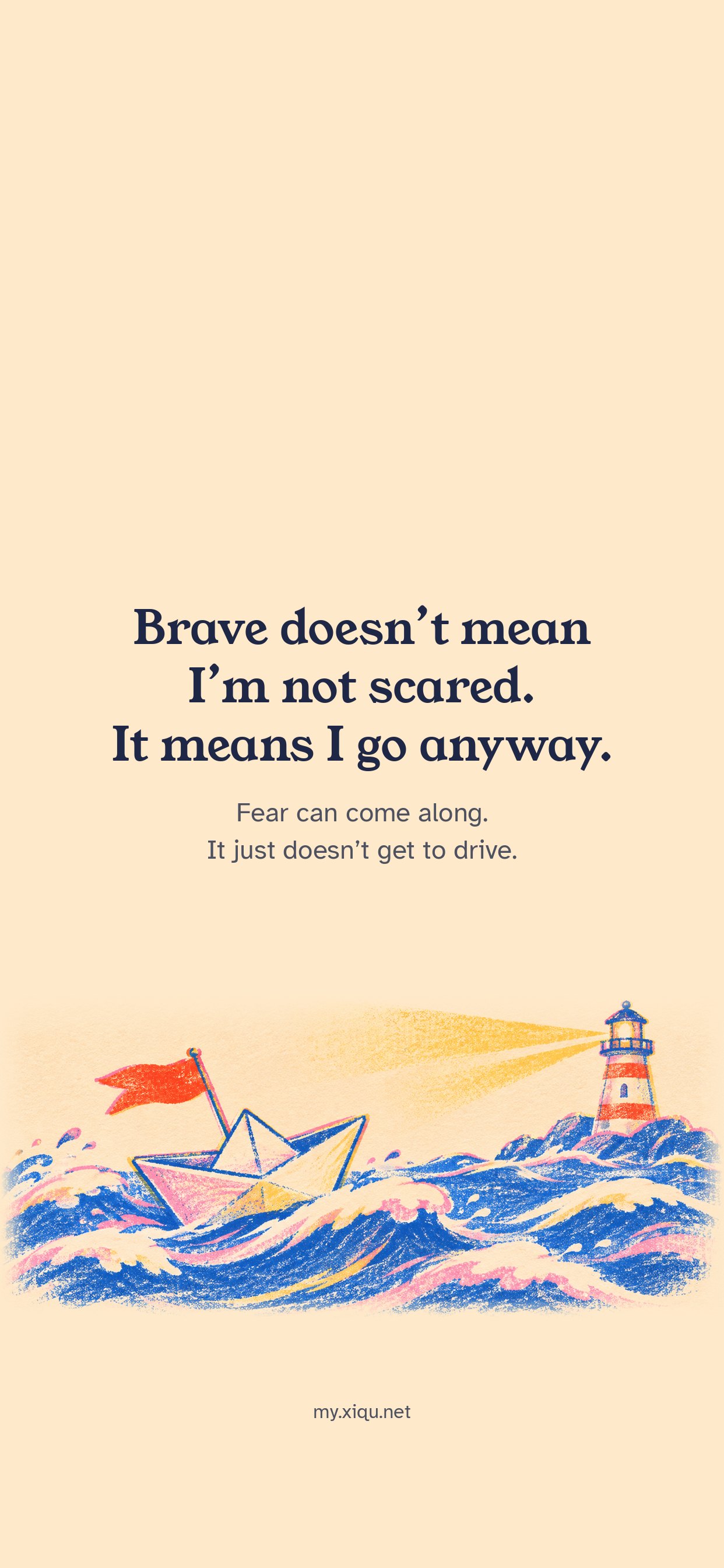
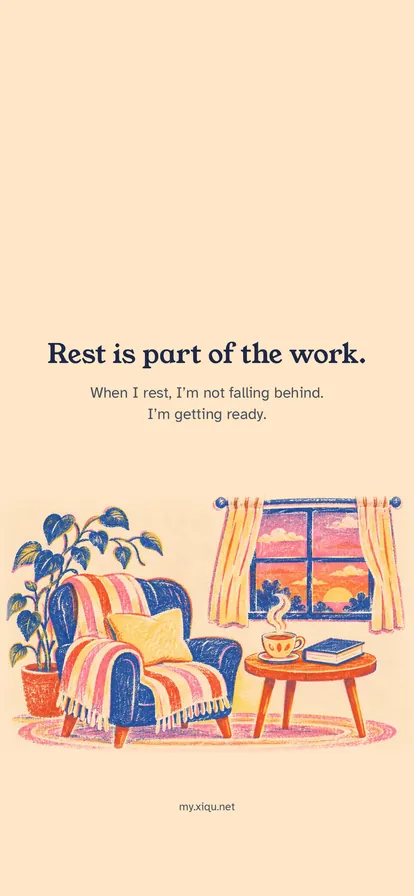
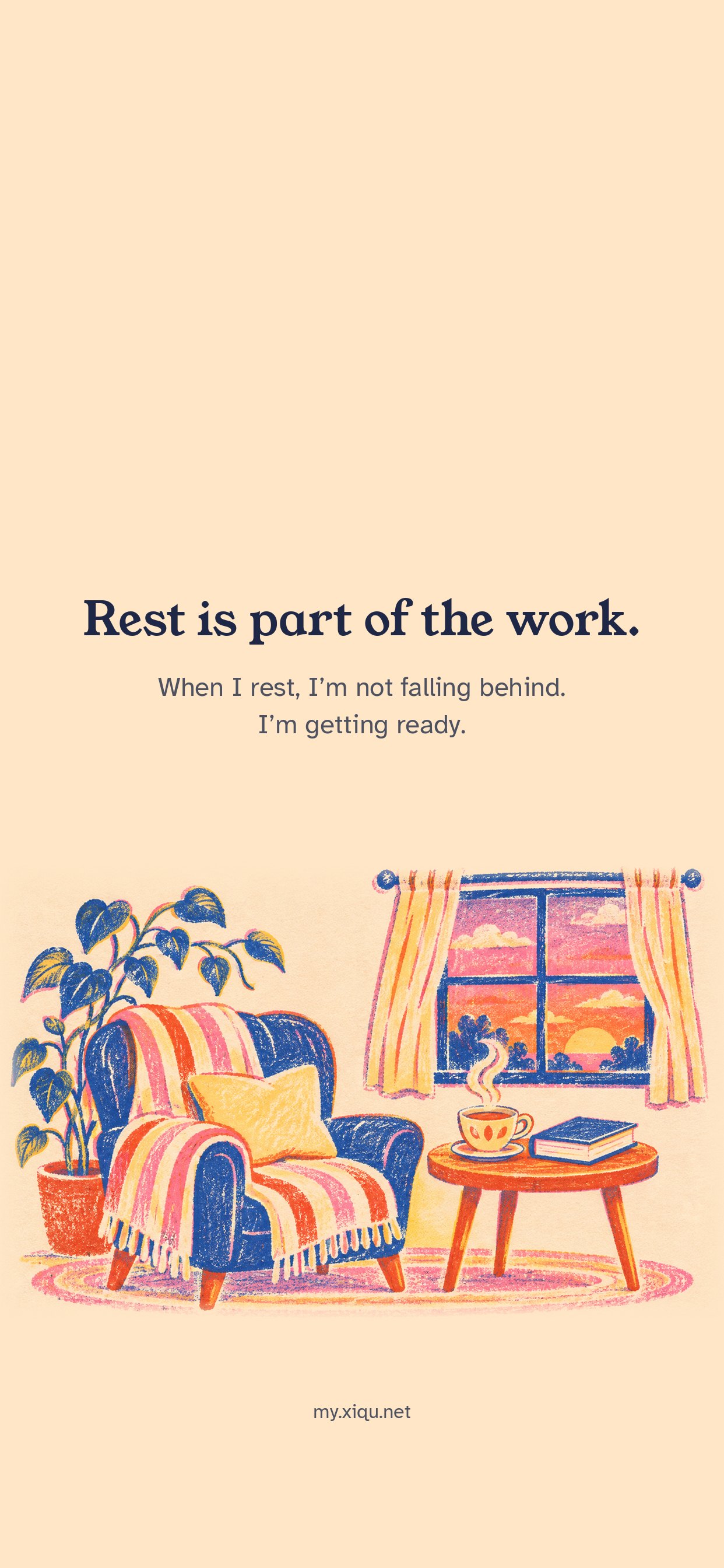
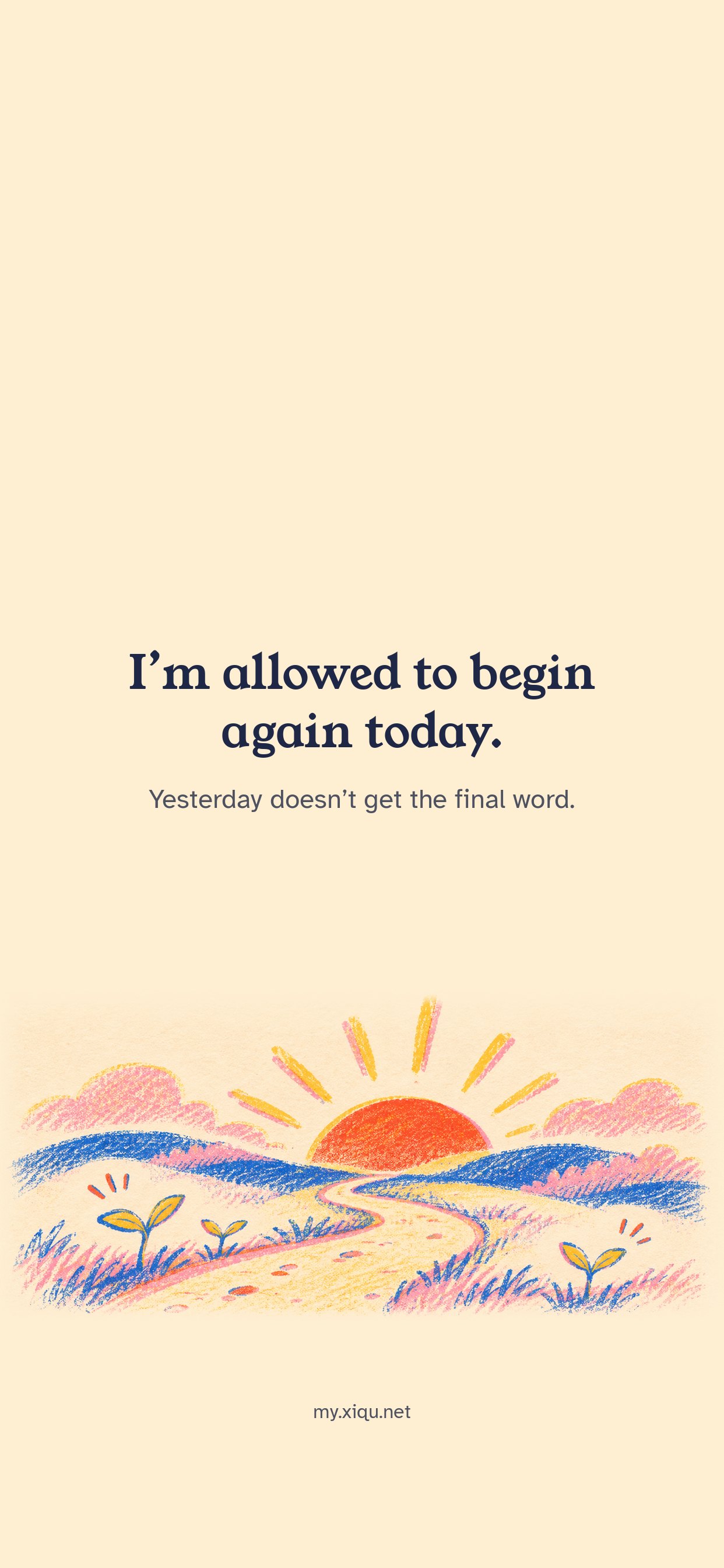
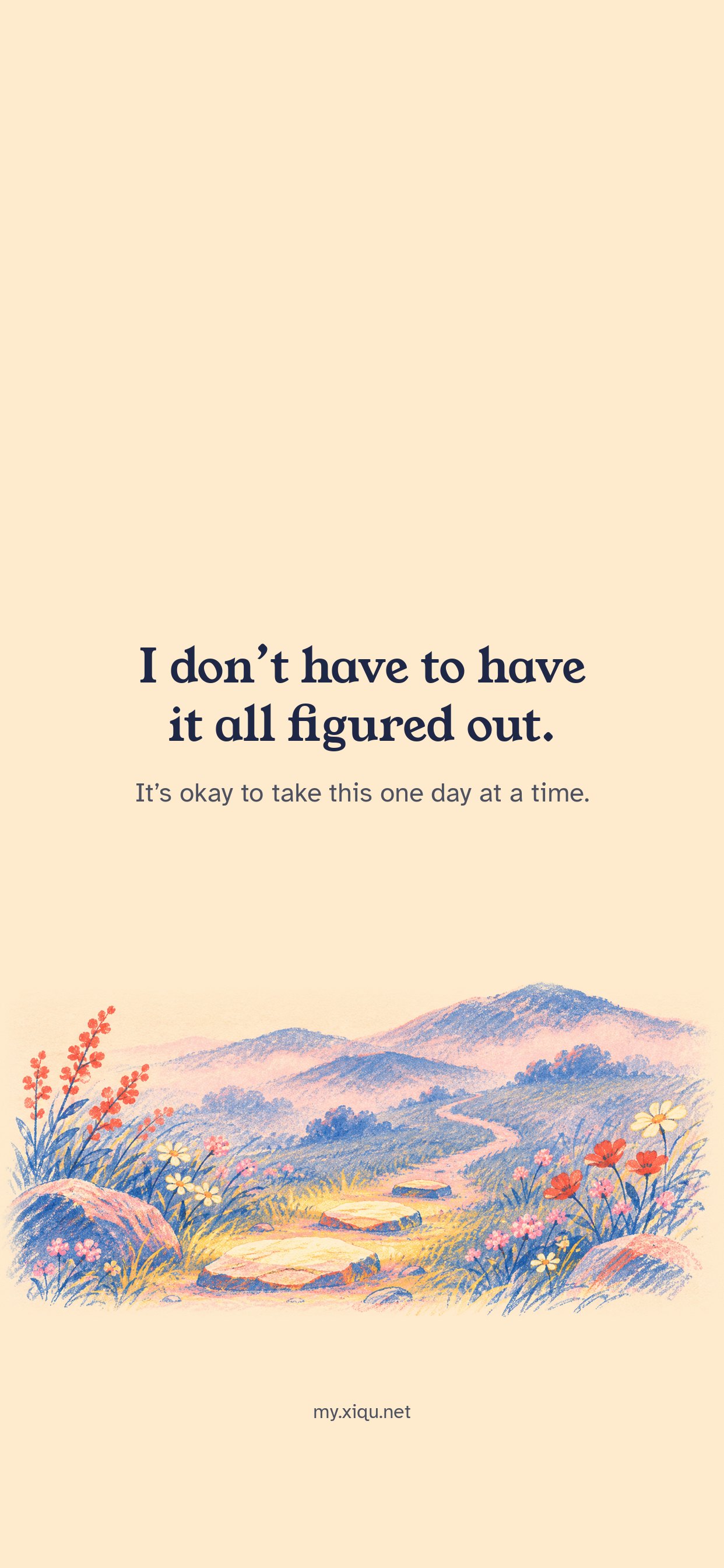
Small words to say to yourself, sized for your lock screen. The words sit below the clock. Free to save and use.



How to set it
iPhone
- Tap Save wallpaper, then choose Save Image. If you see the picture on its own instead, touch and hold it, then tap Save to Photos.
- Open Photos, open the picture, tap the Share button, then Use as Wallpaper.
- Tap Add, then choose Set as Wallpaper Pair or Customize Home Screen.
Android
- Tap Save wallpaper. The picture goes to your Downloads.
- Open it in Photos or Gallery, tap the menu (⋮), then Use as or Set as wallpaper.
- Choose the lock screen, the home screen, or both.
The words sit below the clock. If the clock is hard to read, choose a darker clock color when you customize your lock screen. In WeChat and some other apps, open the picture, then touch and hold it to save.
Free for personal use. How you can use these cards